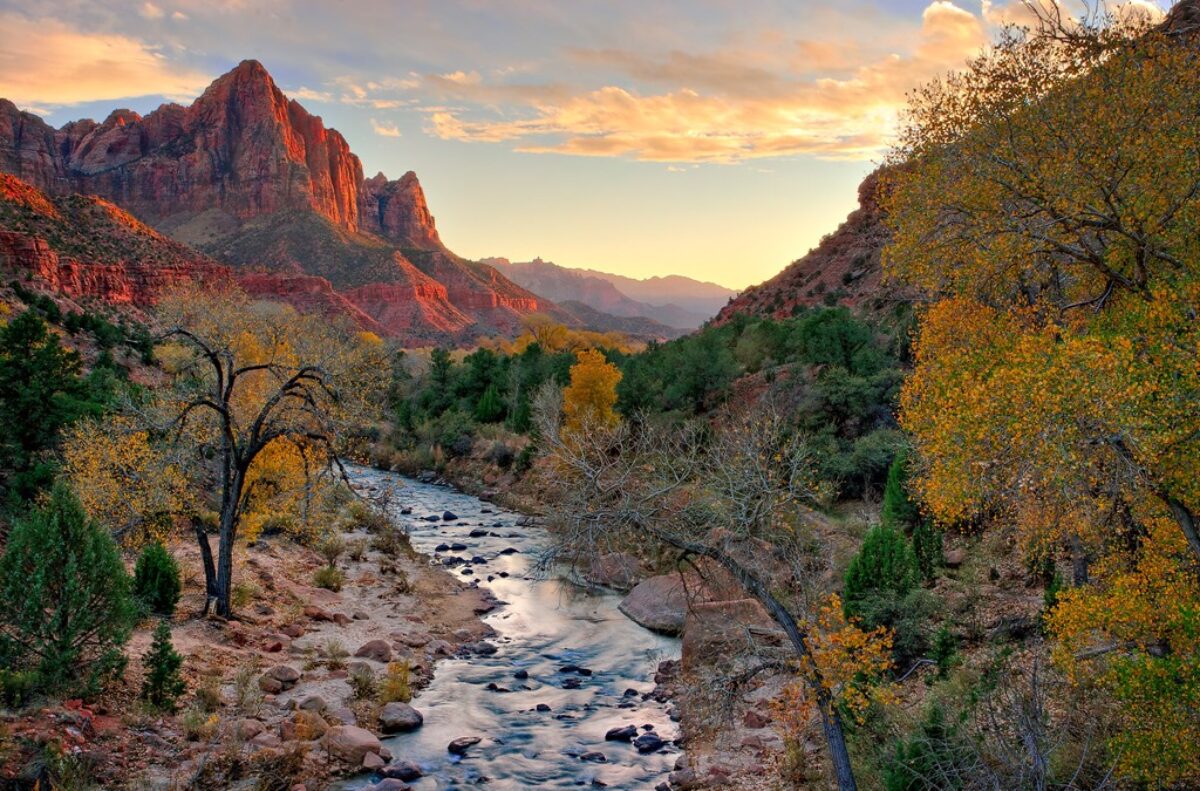
When I first got my Epson 4800 printer I was tackling so many learning curves all at once that I really didn’t spend any time experimenting with papers. I was learning the virtually unlimited possibilities with Photoshop, getting used to the vast field of color management, Lightroom came along and that presented a new learning curve, HDR with PhotoMatix, LightZone, Photokit Sharpener, Imaginomics Noiseware Pro and more. Plus I was focusing on composition, light, post processing, soft proofing, etc.
It’s no wonder that paper was not high on my list of things that needed my complete focus and attention. I settled on Epson Enhanced Matte, a paper that gave me the effect I was looking for; that is, photographs that looked like paintings. And given the number of artist’s proofs I had to print before I got a print that I was satisfied with, it didn’t hurt that it was a fairly inexpensive paper.
Epson Enhanced Matte is a really nice paper for what I wanted to do. And I’ve never looked back at the decision to go with matte. I briefly tried some glossy and luster papers and didn’t like what they did for my photographs. So I was happy to stay with a matte surface.
But I didn’t realize when I started that the low D Max would be a challenge or that there would also be some color gamut difficulties, especially in the yellow-browns. These made working with some images rather formidable. It took a while but I finally started understanding what was going on and anticipating and pretty much avoiding these problems. Then… Continue reading “Red River Paper”
(1320)
Like this:
Like Loading...