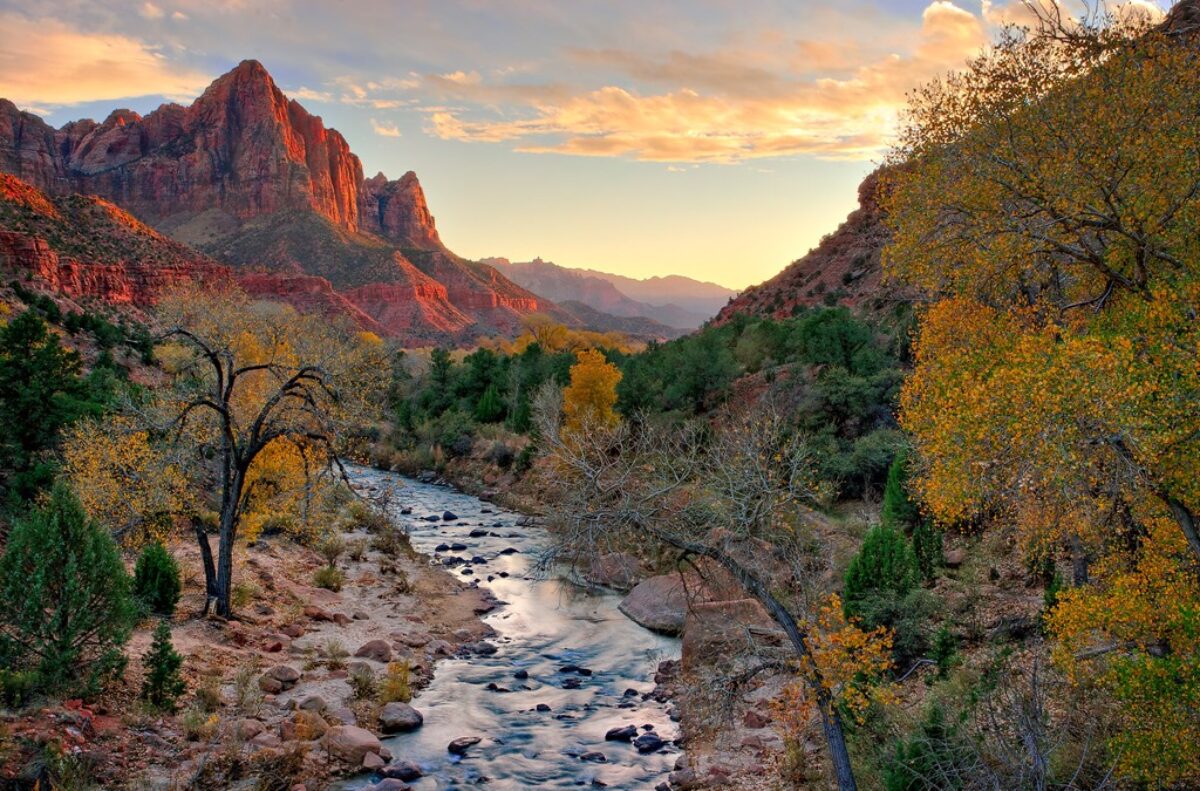
This is not so much a comment on Genuine Fractals as it is on the workflow end game, namely, resizing (Genuine Fractals) and output sharpening (Photokit). Here’s the test.
- Resize a 6 M pixel image using Genuine Fractals to 16″X24″.
- Create output files at three resolutions – 180 ppi, 240 ppi and 360 ppi
- Sharpen the image using Photokit output sharpener for 180 Matte, 240 Matte and 360 Matte respectively.
- Examine the resulting images on the monitor for image quality.
And quickly, here are the results.
Respective dimensions are 4320X2880, 5760X3840 and 8640X5760 resulting in corresponding image sizes of 12.4 M pixels, 22.1 M pixels and 48.8 M pixels. Given that the original image was 3042X2048 pixels or 6.2 M pixels, the number of pixels added are 6.2 M pixels, 15.9 M pixels and 42.6 M pixels respectively.
Respective enlargements are 197%, 351% and 791%.
Respective file sizes are 95 MB, 170 MB and 378 MB.
The quality of the enlargement as determined by the amount of detail in all three images was identical. That is amazing, especially with the 791% enlargement. The three images were virtually indistinguishable, even when viewed at a high magnification on the monitor.
The three finally showed a difference when they were sharpened. The 180 ppi image had noticeable halos to the point of being a concern. In the 240 and 360 ppi images the halos were significantly softer and less noticeable. In fact, the halos on both images (or lack thereof) were very acceptable.
The fact that this image started at 6 M pixels poses a limitation on the overall sharpness that is achievable. A high end camera with 21, 16 and even 12 M pixels would have provided a much better starting point in terms of the amount of detail in the original image. The resulting enlargement would not have been as extreme and results much crisper.
What conclusions can be drawn?
- Genuine Fractals does an excellent job of enlarging images even up to nearly 800%.
- Photokit sharpener will provide much more satisfying results with higher resolution images – 240 ppi and above.
- At 240 ppi, probably the best compromise is reached between image quality and file size.
Previous postings in this series:
Genuine Fractals Impressions #1
(505)

One thought on “Genuine Fractals Impressions #2”