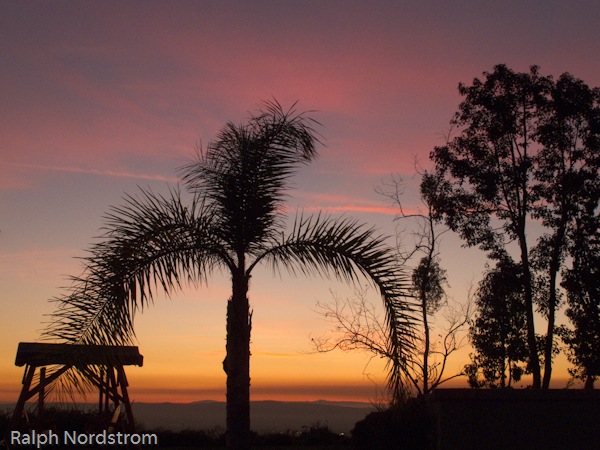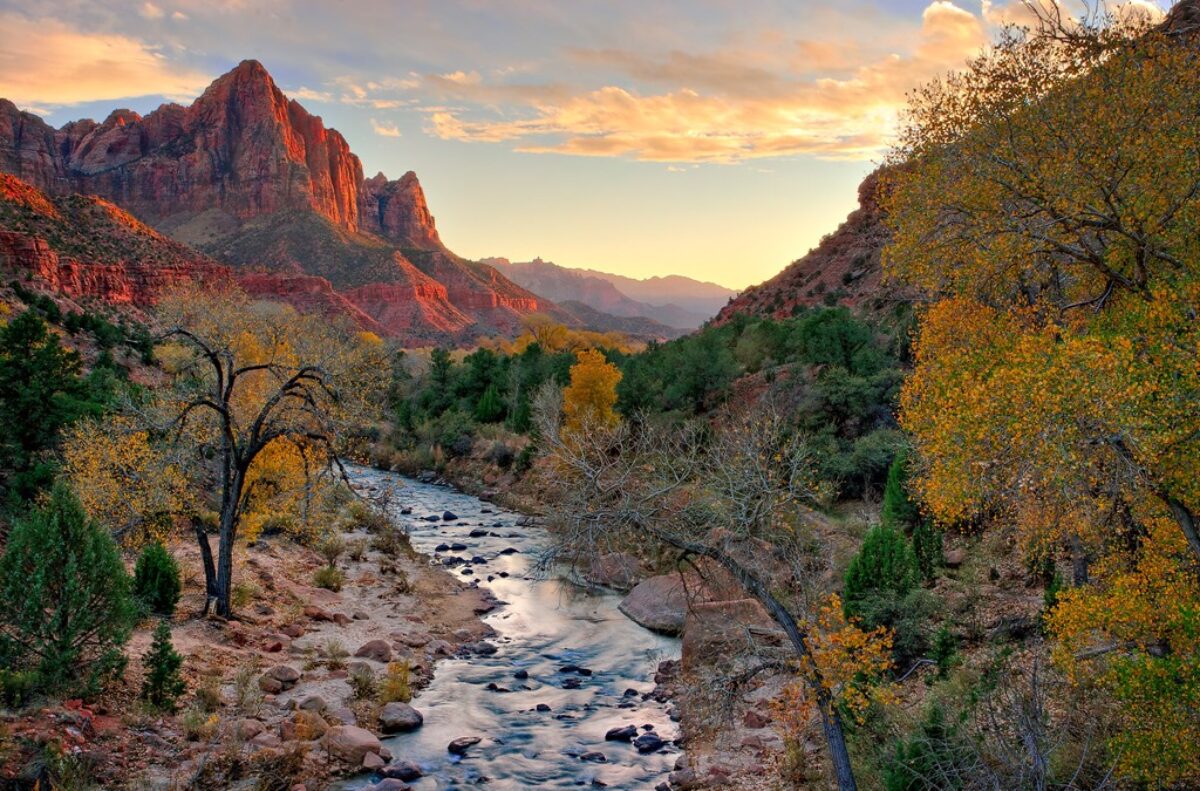
I spend a lot of time looking out our kitchen window at dawn, watching the way the light changes (usually sipping a cup of Dragonwell green tea). It’s fascinating to see how one morning changes from the next. And the best time of the year to see clear, colorful sunrises (and sunsets) is now – December and January. The air is the clearest and freshest.
One of the things I really enjoy watching is how the color temperature changes from the time the outside just begins to lighten up until the sun is well overhead. I’ve discussed this in other posts (Dawn). What I want to do here is very briefly illustrate the point.
So this evening I grabbed this quick shot with my trusty Canon G11.
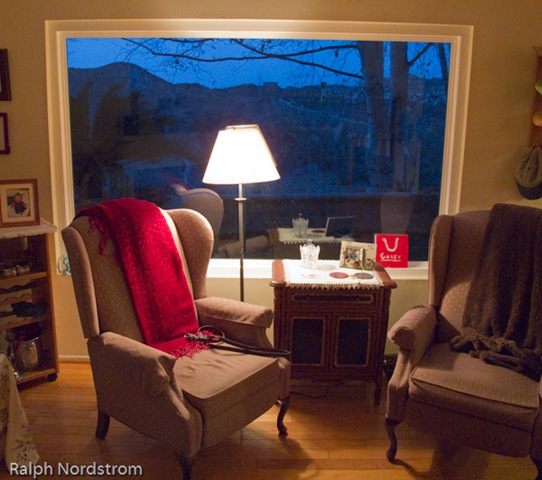 This is looking out our back window after the sun has gone down (yes, I photograph twilight too).
You might say it doesn’t look real. How could the outside be so blue? But in fact, this is one of those cases where the camera doesn’t lie. Given that the sun is way below the horizon and the source of illumination outside is the sky, then the light outside is in fact blue. Inside we have incandescent lights, the color of which is definitely yellow. The contrast of standing on the inside with warm light and looking out into cool light is both apparent and striking.
Suffice it to say that color temperature is a quantitative measure of the blueness or redness of the ambient light. Color temperature is measured in degrees Kelvin and the scale goes opposite of what you would expect. Low temperatures are red and high temperatures are blue (even though we think of reds as warm and blues as cool). So the color temperature inside the room may be about 4500 degrees and outside it may be 9000 degrees or more. We’ll get into this in more detail some other time.
As photographers we can use this understanding of color temperature to our advantage. As digital photographers we always have the option of setting our white balance to compensate for the color temperature – daylight, cloudy, shade, tungsten, etc.
But we can also use this creatively. We routinely use the warm light of the ‘golden hour,’ the hour after sunrise and before sunset, to give our images a warm glow. But we can also use the cool light of dusk.
We don’t usually see the colors because our minds are stronger than our eyes and tell us what the color really should be. But we can train ourselves to pay attention to what our eyes are telling us and actually see the color.
Give it a try. With a little practice you’ll be able to see the blue in the shadows. And you just might decide you like it and leave it in your images instead of correcting it out because it doesn’t look real.
To see more of my photographs click here.
Join me on an upcoming workshop.
Become a fan on Facebook and follow along.
(1203)