Here’s an account of how I spent a beautiful Monday morning in the foothills of Southern California.
Yesterday was a perfect day for a hike in Whiting Ranch (our back yard). The hills are green from the wonderful rains we’ve had this winter. This is welcomed in a location that is basically a desert and has its share of droughts.
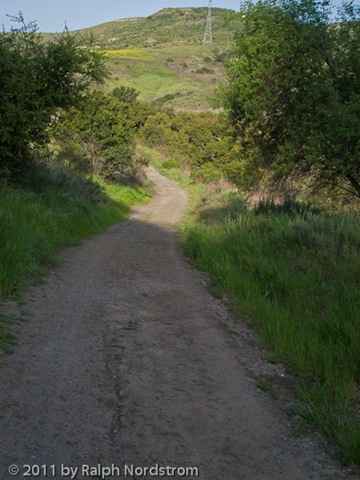
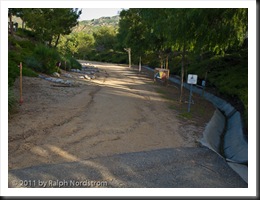 The start of the hike is down the street at our local park. It starts out easy enough.
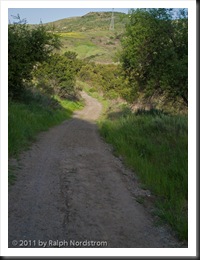 The first part of the hike is easy. An access road drops down to the bottom of the canyon behind our house. This morning it is especially beautiful hiking in the lush green that seems to be hanging on and on and on. The rains this winter have come at good intervals and have nourished the hills. They have recovered beautifully from the fires three years ago.
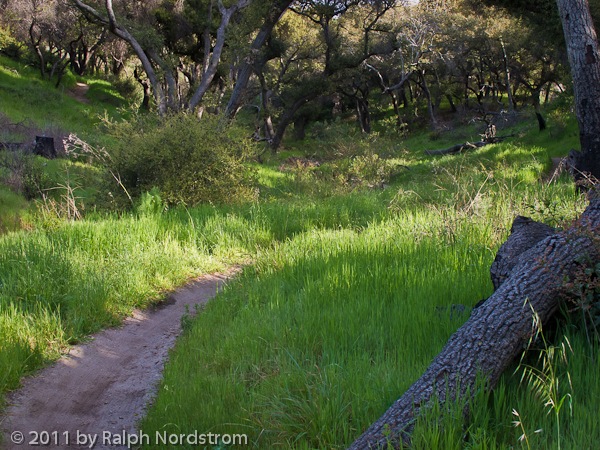
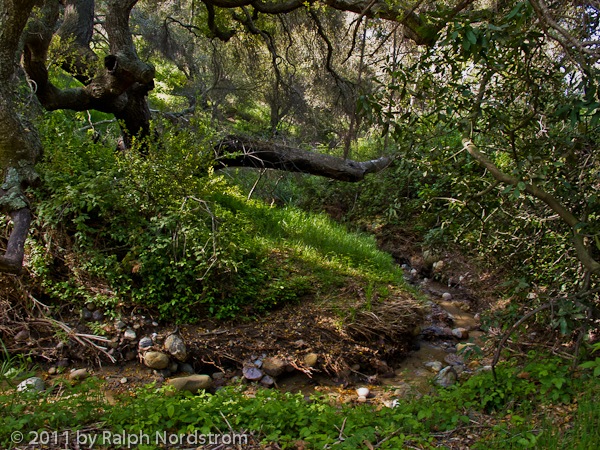
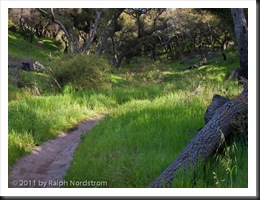 One of the most beautiful sections of the hike is through a lovely oak grove called “Sleepy Hollow.” The trail meanders under a canopy of Coastal Live Oak. And the stream is still trickling making this a special treat.
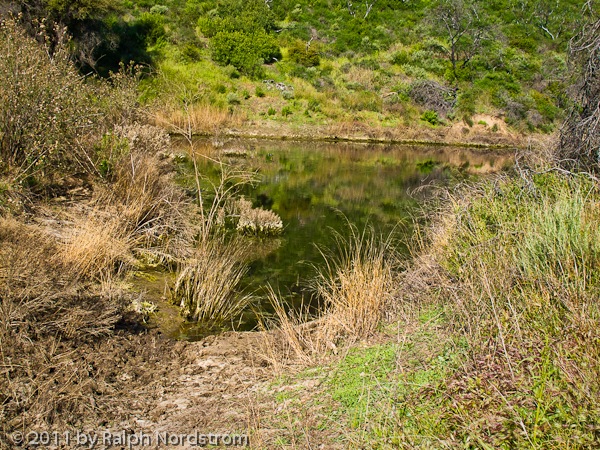
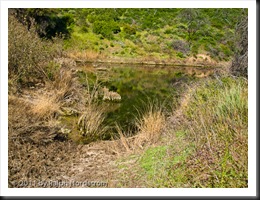 The Sleepy Hollow climbs out of the grove when it comes to a dam built during the ranching days. Cowboys built it to catch water so they could graze cattle on the hillsides. For many years this dam has been mostly dry with at best a small muddy puddle. But this year there is a considerable amount of water. There aren’t cattle in the area any more to drink the water but I’m sure the deer, coyotes, foxes, raccoons, skunks, rabbits, mountain lions and all the other critters in the area enjoy it.
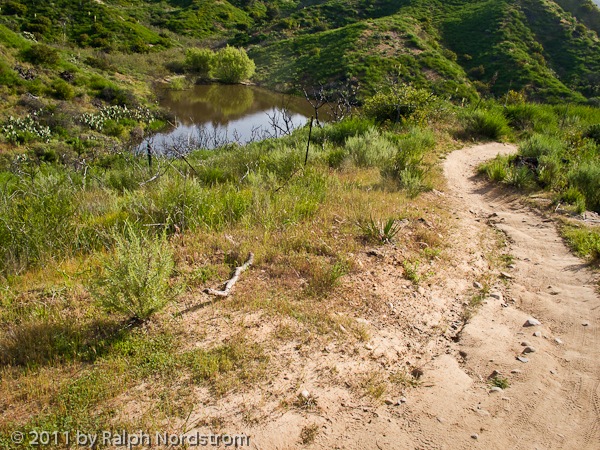
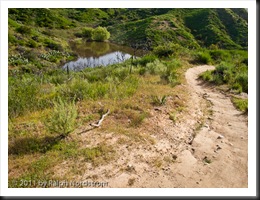 Not far above Lower Cattle Pond the trail goes by Upper Cattle Pond. It too is nearly full. When these hills were still private land you could wander around the banks of the pond. (Well, maybe I trespassed just a little.) But then the county bought it and has restricted access. So the trade off is the county controls access but we don’t have developers building their homes down here. I’ll opt for the limited access any day.
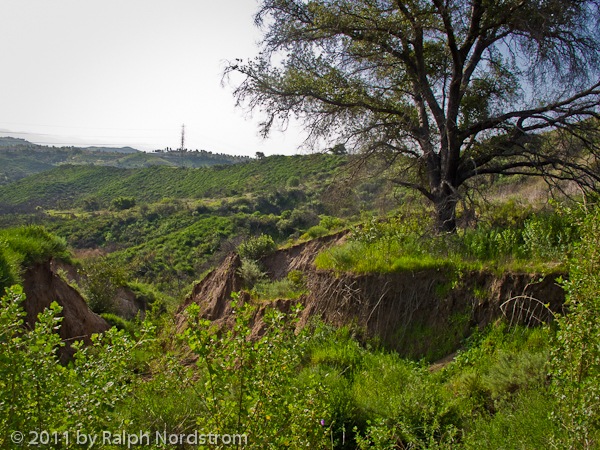
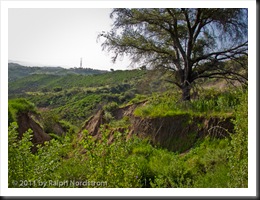 This oak tree is amazing. It’s standing all by itself and the ground on three sides is literally washing away. Every rain that falls carries a bit more dirt away from its base. If you look closely you can see it’s roots jutting out of the bank, dangling in mid air. So far the oak is hanging on to a pretty large chunk of land but I wonder how long it can hold out. I’ve been keeping an eye on this tree for over 20 years now and it seems to be doing just fine. You gotta love it.
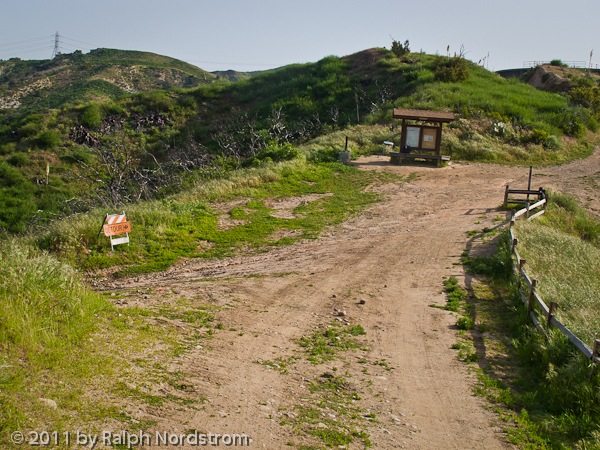
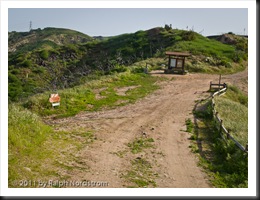 The first resting point is Four Corners. Mountain bikers and hikers alike sit on the benches projecting from both sides of the bulletin board. The county brought in a water fountain for people and an automatic waterer for horses. People stop here after a good climb to catch their breath before zooming down the other side. It’s a good place to relax and an easy place talk with some very interesting people. But this morning I’m not ready to turn back. There’s more in store.
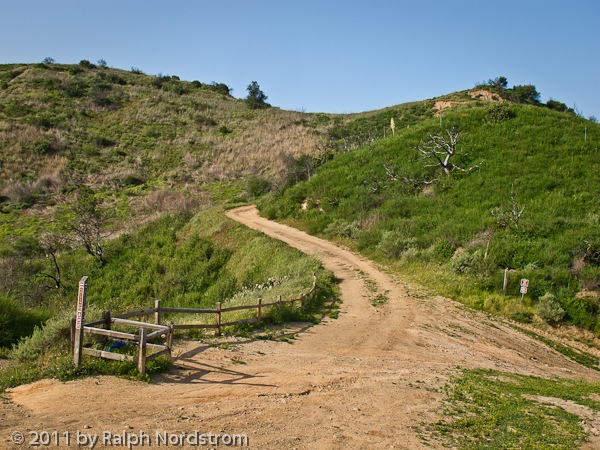
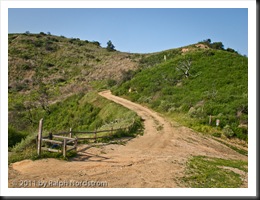 I’m going to continue on up this road. It’s aptly names the Dreaded Hill road although this isn’t the dreaded part of it. That’s further on. This road will take me near the summit of the highest peak in the area.
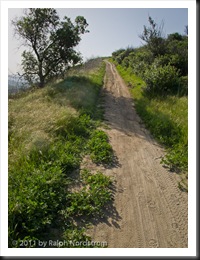 No, this isn’t the dreaded part of the road either. It’s just a minor steep part on the way to the summit.
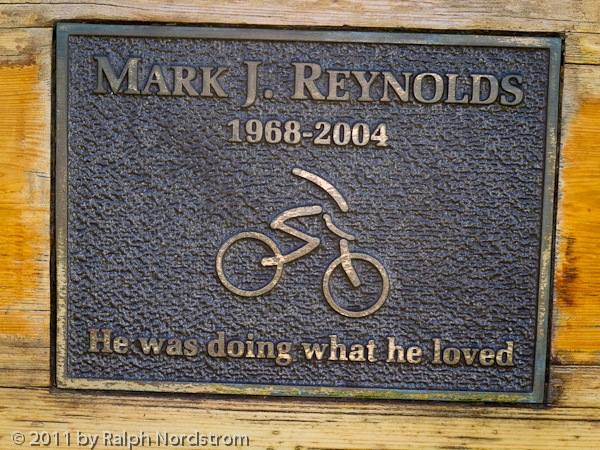
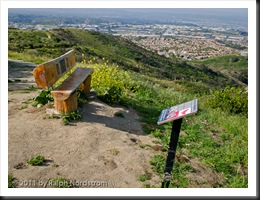 At the summit is the memorial to Mark Reynolds, an avid mountain biker who was attacked and killed by a mountain lion not far from here. He was fixing a flat tire when the lion pounced on him. He probably never saw it coming. Later that same day the mountain lion came back and attacked another mountain biker, this time a woman. Fortunately she was with her friend who, with the help of some other mountain bikers, were able to get the lion to release her and run off. She recovered.
 That all happened back in 2004. Gosh, has it been that long already.
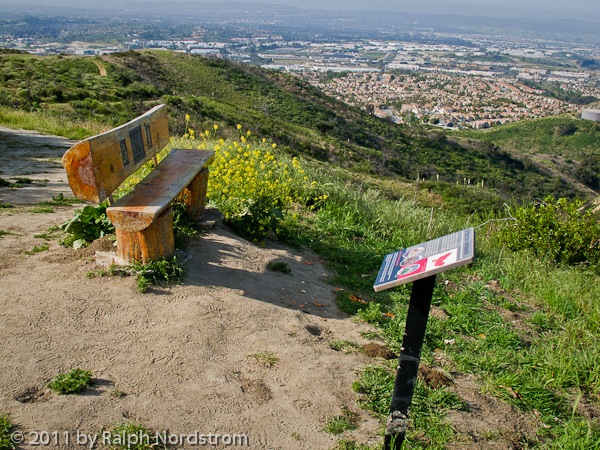
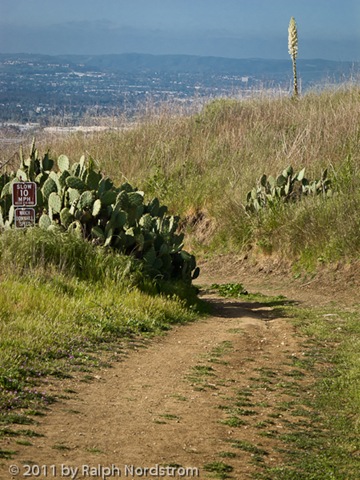
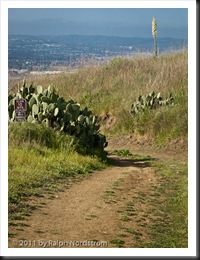 Now we get to the dreaded part of Dreaded Hill Road. I’m doing it the easy way – I’m heading down. Climbing this road is another matter and very few mountain bikers will even attempt it. This is mostly a hiker’s climb. As beautiful as these foothills are you always know that the city is not far off.
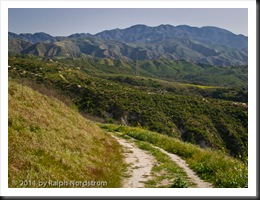 But when you look in the opposite direction from the city you are rewarded with inspiring views of Santiago Peak, the tallest summit in our very own Santa Ana Mountains. I never tire of looking at the range. I’ve hiked all over them from the time I was a Boy Scout until now.
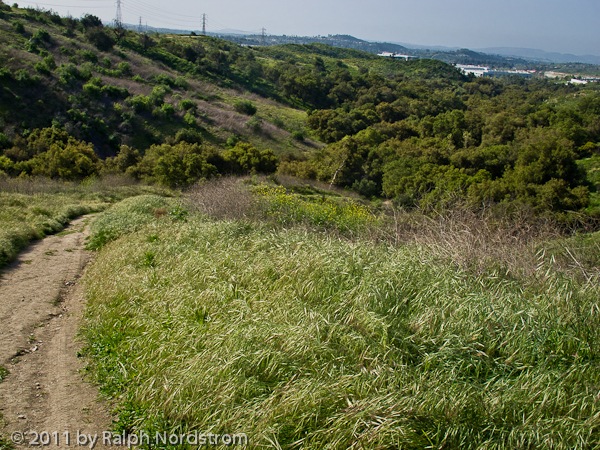
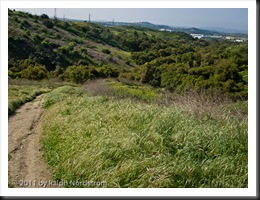 It’s difficult to capture just how steep Dreaded Hill really is. I describe it this way, “Dreaded Hill is a killer at the bottom and a killer at the top and murder in between.” If you look at this picture carefully you can see the road way down there as it enters the trees just to the right of center. Maybe you can get a feel for how far down that is.
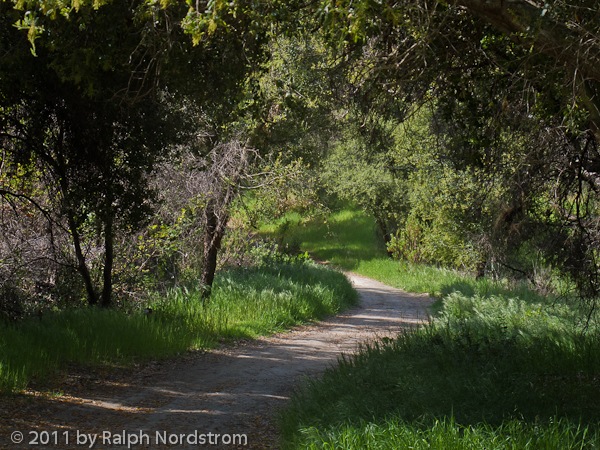
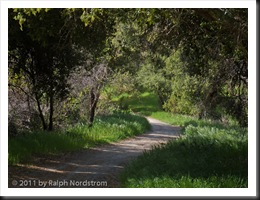 And this is what greets you where the Dreaded Hill road enters the grove. Beautiful, isn’t it. Just up a few more steps the road meets the Serrano Creek trail where I do an about face and head back towards the start.
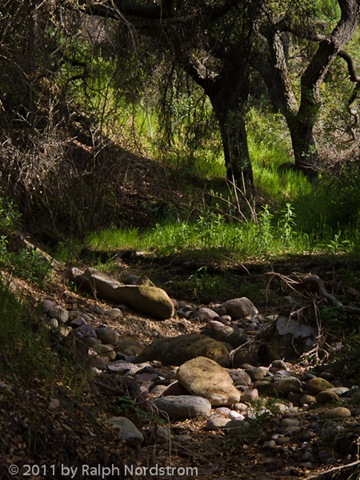
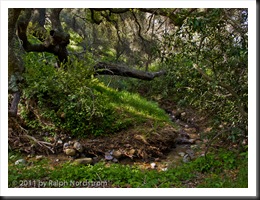 Serrano Creek gets its name from the Spanish Ranchero that this land was a part of. The creek doesn’t flow all year, only a few weeks in the spring and that’s not a for sure thing. Hey, this is Southern California. You get used to it. But I love this little stream, especially in spring. It feels so good to walk in the cool air under the spreading oaks. Even in summer this little canyon remains cool and inviting.
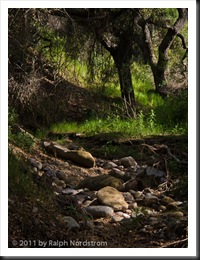 Here’s another vignette of the creek that I just have to share with you. This is such a glorious place. I’m so fortunate to have this literally in my back yard.
This is a good place to end this account. In just a few more steps the oak grove comes to an end and gives way to the open hillsides so typical of these foothills. From that point on it’s an anticlimactic climb back up the hill to the park.
If you would like to join me on one of my adventures in Whiting Ranch Wilderness Park, let me know. I’d love to share it with you and would enjoy your company.
(1290)
Like this:
Like Loading...
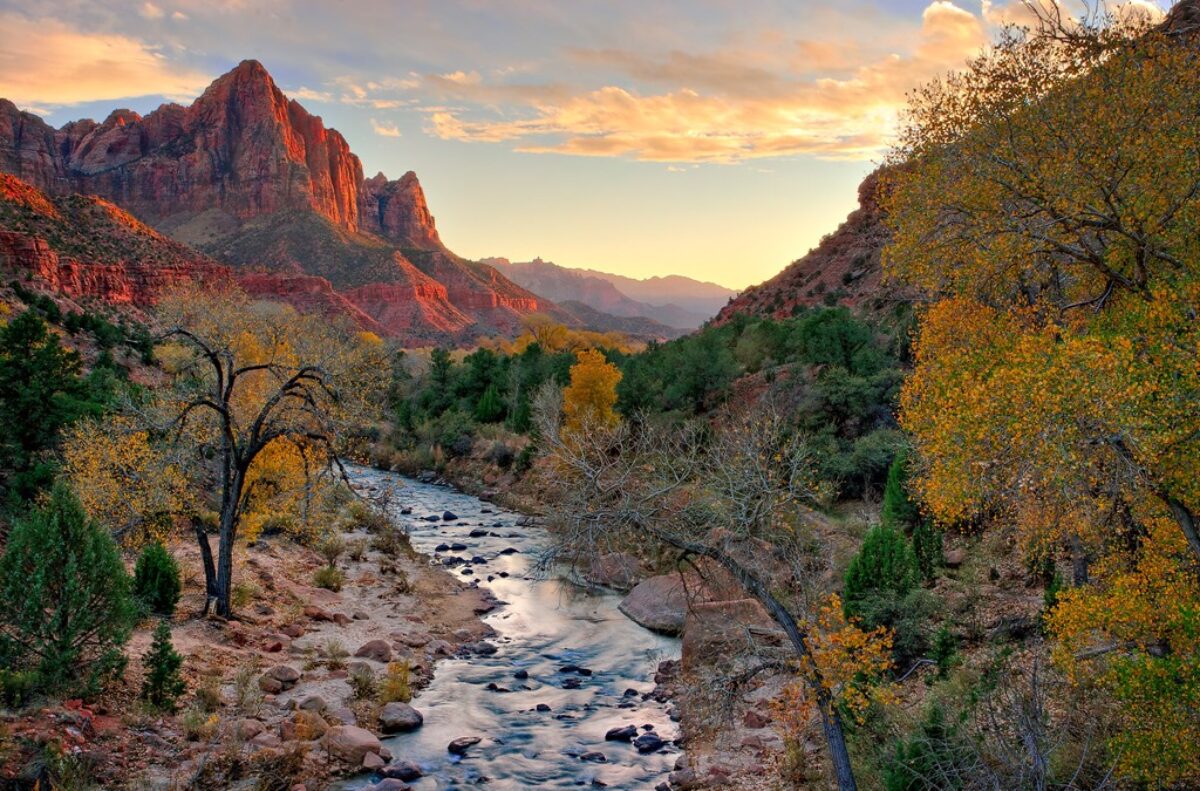
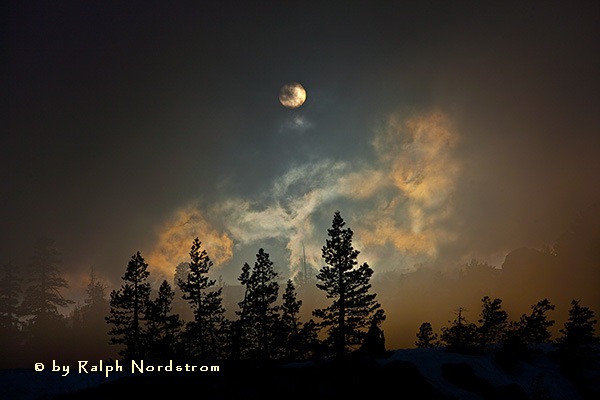 Come with me. Join me for six days of extraordinary springtime photography in the Eastern Sierra as we follow in the footsteps of such celebrated photographers as Ansel Adams, Galen Rowell and David Muench.
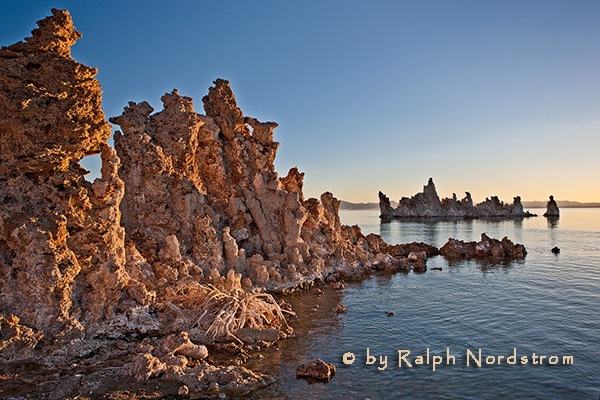 After two days in Bishop we continue our journey north to Lee Vining on the shores of Mono Lake and at the base of Tioga Pass, the eastern gateway into Yosemite National Park.
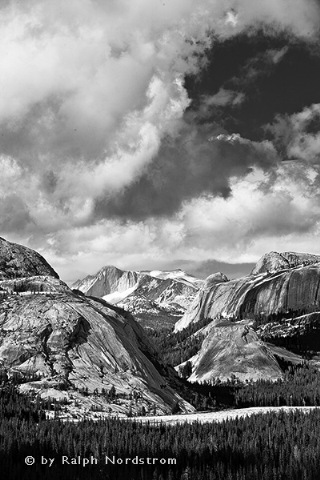 You don’t have to be a master photographer to attend a workshop or get great photographs. You just need someone who will get you to the right places at the right time and work with you as much as you need to ensure you get the shots.