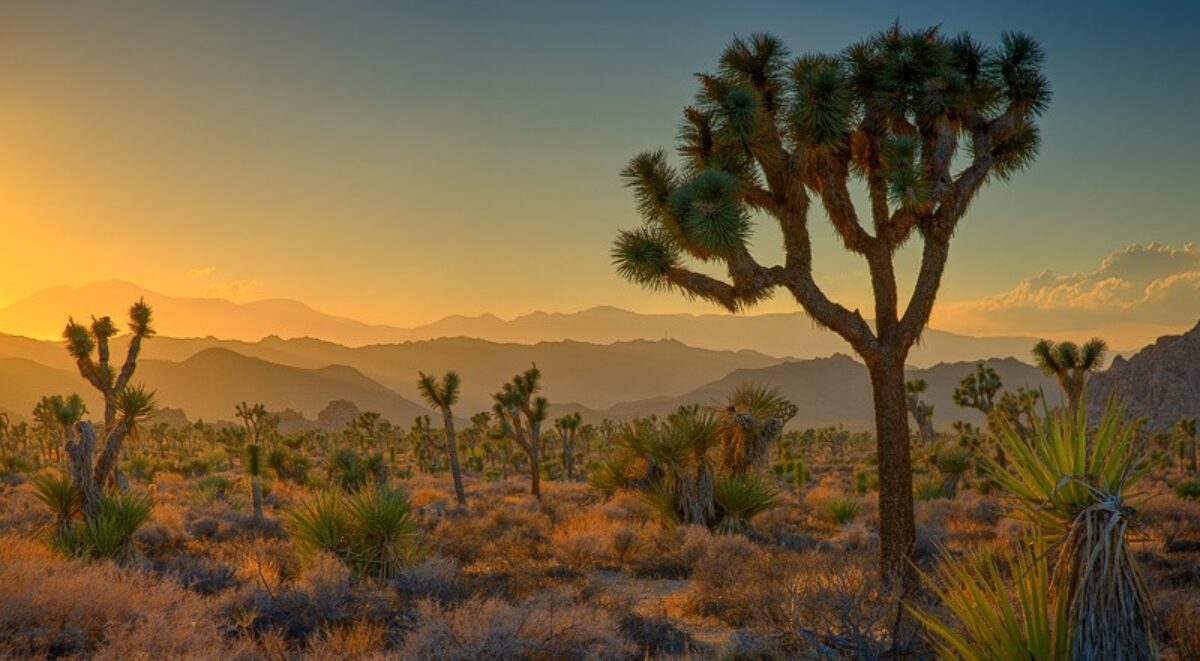
Taking Your Photography to the Next Level

Our art, photography, can be a rich and rewarding endeavor and an ever fascinating journey of self-discovery. Be open to the possibilities and hone your skills. Become really good at what you do best.

“Did you manipulate your photograph?”  “Did you use a filter?”  “Do you use a Mac?” “Do you crop your images?” “I’ll have a nicer day than you; I’m not shooting a Canon.”  Yes, someone actually said that to me at Bridal Vale Falls in the Columbia River Gorge of Oregon in response to my cheery, “Have a nice day.”  I guess when you take the entire population of photographers you will always find those that are prejudiced and closed minded just like any other population.  They think they are right and anyone that disagrees with them is wrong.  It’s that simple.

The current issue of Lenswork magazine, the premier journal for black and white photography, has an article by guest contributor Jim Kasson titled “Previsualization in the Digital Age.”  I couldn’t wait to read it.  In my workshops and lectures I’ve always advocated that an artist interprets reality and communicates that interpretation through her or his art.  In landscape photography I’ve encouraged our workshop attendees to leave their camera gear in the car until they connect with a location and only then set up their cameras to try to capture what is is they are experiencing.  Previsualization, the anticipation of what the finished work will look like, is a big part of communicating what you are feeling.

Continue reading “Taking Your Photography to the Next Level”

(4547)

Lightroom Tutorial – Importing Photographs

Get post processing started by importing your photographs into Lightroom.

An important part of post processing is importing your photographs into Lightroom.  The goal is to copy the files from your camera or laptop and store them on your desktop computer.  At the same time you also want to make a backup of all of your files.

You might be interested in the configuration of my desktop computer.  It has about 5 terabytes of storage.  This is where the image files will be stored.  I also have several terabytes of external storage – external hard drives.  This is where the backup copies go.

In this example I’ll be copying files directly from the camera.  The plan is to copy the files as they are to the backup storage.  But the files I store on the desktop storage will be converted to DNG format.  More on that in another post.

So with the big picture in mind, let’s get into the details.

Continue reading “Lightroom Tutorial – Importing Photographs”

(3464)

Be Prepared

Don’t be caught without that one piece of camera gear you need to get the shot.

Often times when out shooting with other photographers I hear them say, “I wish I had brought my grad ND filter.”  Or maybe they didn’t have the lens they needed.  “Where is it?” I ask.  “It’s back in my hotel room,” is their response.  “Why didn’t you bring it with you?”  “I didn’t think I would need it,” or “It’s too heavy.”

Truth to tell, I don’t understand the rationale of selecting the gear you think you might need when going out on a shoot.  Why not take it all?  I suppose if you have 20 lenses (I exaggerate) you can’t take them all with you.  But a normal complement of gear that gives you the flexibility you need isn’t that hard to pack and carry.

Continue reading “Be Prepared”

(1080)