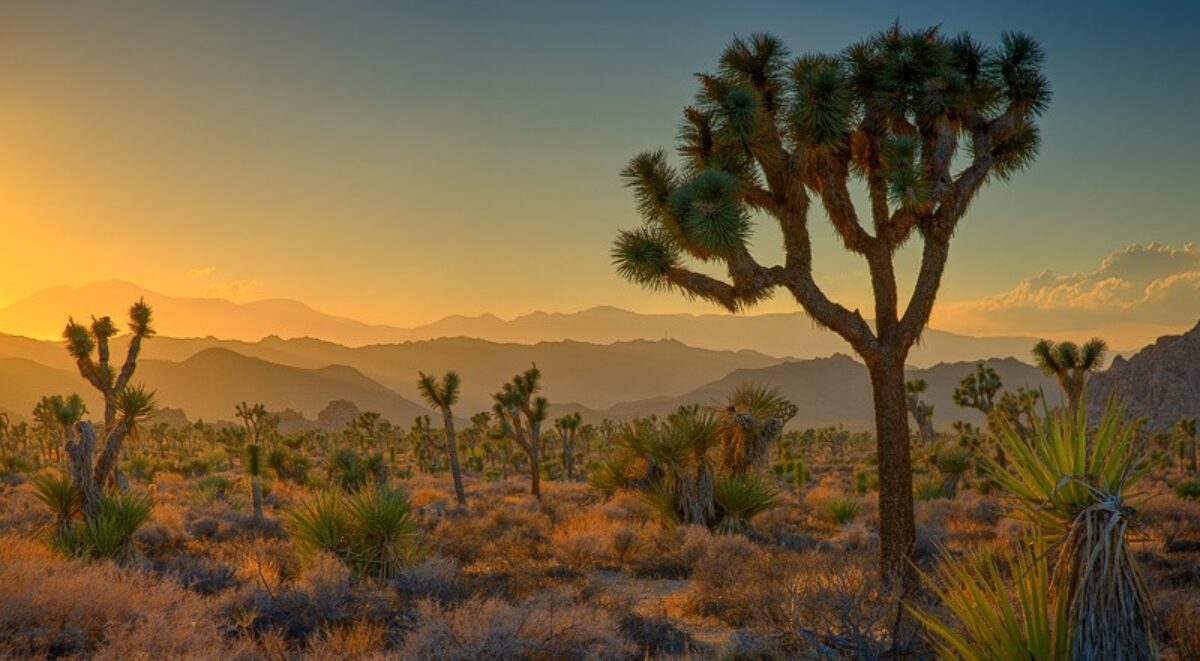
Making a Photograph – A New Approach to Tonality Adjustments

Watch as a photograph of an icon of Zion National Park is made.

For some time now I’ve been using and teaching a process of working on photographs in Lightroom. It consists of basically four steps: manual adjustments, tonality adjustments, hue adjustments and finally saturation adjustments. Quite some time ago I had the brilliant idea of converting the image to black and white before doing the tonality adjustments. The technique I used was the B & W tab in Lightroom’s HSL group.  Once the tonality adjustments were done, the image would be converted back to color and the process continue.

It didn’t work out because when I converted the image back to color, the colors were so oversaturated and unnatural that the image looked horrible. It was just easier to do the tonality adjustments on the color image. So I quickly gave up on that technique. But the other day I was reading an article in Popular Photography magazine that rekindled this idea. It took a different approach. It turned the image to black and white by setting the Saturation adjustment to -100. Now the author did this in the middle of the process but I thought that if I applied this to my process and did that at the start it just might work. So I was eager to give it a try. Let’s try it with this image of the Watchman in Zion National Park.
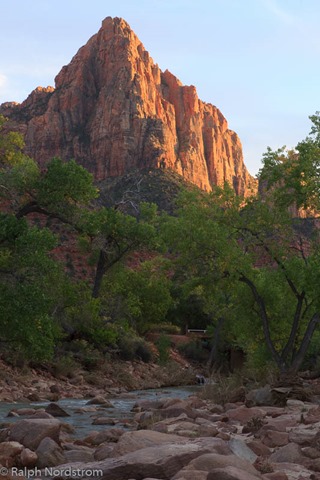
utah_141010__SM32783 This is the original raw file. I haven’t done anything to it yet. It doesn’t need any mechanical adjustments. These consist of removing spots, straightening the image, maybe some noise reduction and the final crop. But since none of these are required we can move on to the tonality adjustments.


Continue reading “Making a Photograph – A New Approach to Tonality Adjustments”

(4946)
It’s the Journey

While creating a stunning landscape photograph can be a thrill, there’s more in it for the photographer than just that.

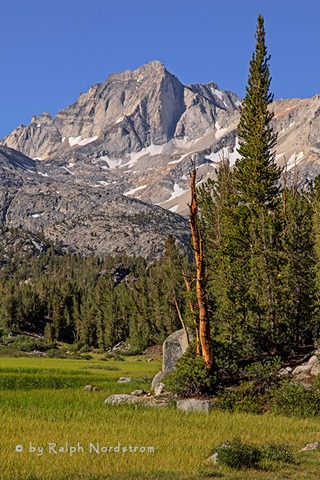
bear_creek_spire_eastern_sierra_130713

In my workshops I encourage the students to slow down and connect with what they are feeling before they snap a shot. The idea is to capture and make a photograph in such a way that it communicates what we experience to our viewers. I must confess, however, that in my classes I’ve ignored the other half of a communication – the viewer and his or her ability to recognize what we are trying to say. I speak of using our Creative Vocabulary, a growing body of tools, techniques, skills, and experiences, to convey what it is we have to say. But just like the vocabulary of speech, if we don’t speak the same language we can’t communicate.

Then there’s also the notion of the Cliché photograph. Many photographers avoid the cliché like the plague, endlessly on the hunt for something new, original, never-been-done-before. Personally, I embrace the cliché, enjoying the experience and taking something that is common and making it my own.

Why do I bring this up? Well, recently I’ve come across a couple of nationally recognized photographers who have expressed a new and, I’d go so far as so say, revolutionary view of landscape photography.

Continue reading “It’s the Journey”

(7692)

Mastering Night Photography – Focusing

Solve your focusing challenges in nighttime photography.

A lot of people are doing nighttime photography these days including yours truly. There are many good sources of information on nighttime photography. I’ve written a few blog posts myself (Exciting Nighttime Photography in 10 Easy Steps). Nighttime photography falls into two categories – star trails and night sky. In this post I want to elaborate on something I’ve discovered recently with regards to night sky photography.

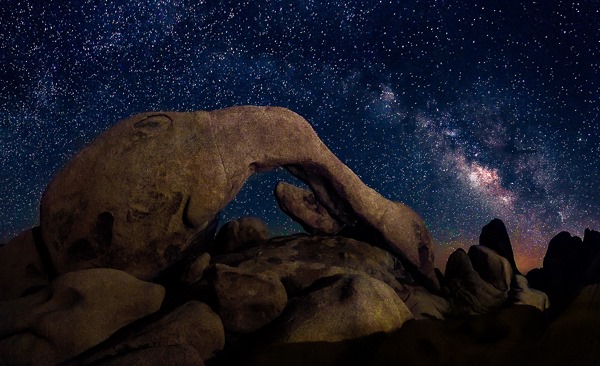
double-arch-joshua-tree-140628Nighttime photography is pretty much like daytime photography. The biggest difference is you can’t see what you’re doing. Let’s run through a quick comparison of camera settings in daytime and nighttime photography.

Continue reading “Mastering Night Photography – Focusing”

(3637)

Mastering Light – Sunrise and Sunset

Getting the most out of sunrises and sunsets.

We all love a beautiful sunset, especially when the clouds glow with color. The same happens with sunrise although there may not be as many of us up to enjoy it. There’s something special about sunsets and sunrises that bring joy and wonder to our hearts.

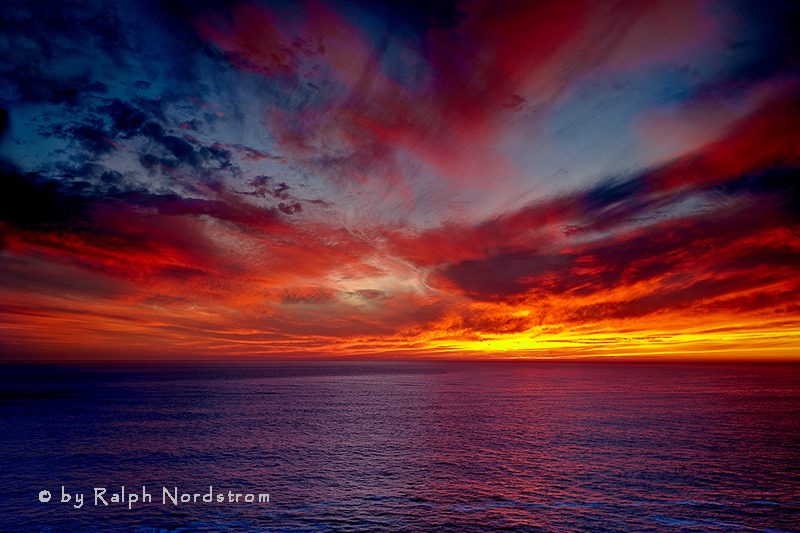
sunset_marin_headlands_2010

My personal favorite is sunrise. I like to arrive while it’s still dark and set up my camera in the cold, crisp morning air. I like standing under the fading stars waiting for the sun to come. I like the stillness of the earth at that time of day. For me, it’s magical.

To get the most out of sunrises and sunsets, it’s helpful to know what’s going on in the sky. (I’ll talk just about sunrises now but much of the same things apply to sunsets.) A lot depends on the clouds. If the sky is completely overcast then you’re not likely to have much of a sunrise or sunset. If the sky is clear then you’ll have a totally different experience. But if the sky is strewn with scattered clouds you may be in for a wonderful experience.  And yet it’s hard to predict.

Continue reading “Mastering Light – Sunrise and Sunset”

(6053)

Making a Photograph – The Technical and the Creative

Exlore the technical and creative sides of fine art photography.

There’s no question about it; photography is very technical. There are many technical skills that must be mastered to become a proficient photographer. And they didn’t all just crop up when digital cameras came on the scene. Film cameras required a great deal of technical know-how also.

If you were taking a grand landscape photograph back in the days of film, a composition that had a very interesting foreground and a spectacular background, you had to know how to control your depth of field so that the foreground and the background and everything in between would be in focus. This required a technical knowledge of the three factors that affect sharpness; those being, focal distance (the distance from the camera to the object you’re focusing on), the focal length of the lens and the f-stop.

Exposure in the film era was perhaps even a little more intimidating. Your ISO was determined by your film and you selected that when you purchased it. But you had to set your shutter speed and your f-stop manually. Shutter speed wasn’t too hard to understand. If you decrease the length of time the shutter was open, you decrease the amount of light that passed through the lens by the same amount. A shutter speed of 1/30 of a second let twice as much light through the lens as 1/60 of a second. Pretty simple.

But f-stop didn’t make any sense at all. If your f-stop was f/8 and you wanted to double the amount of light coming through the lens, you set it to f/5.6. The amount of light was doubled but the number was smaller. And it wasn’t what you might intuitively have expected it to be, namely, f/4. It could be a bit baffling. And the only way to get a grasp on it was to memorize these weird numbers. With film you were stuck with manual exposure and there was no getting around it. With digital you can use one of the automatic exposure modes so you can get away without fully understanding this f/stop stuff. But it’s still best if you do.

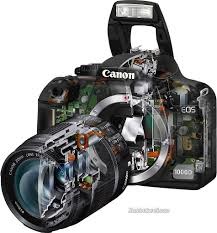
digital-cameraThe coming of the digital camera introduced a whole new level of complexity. In the film age the camera was a simple mechanical device. You were responsible for doing practically everything – deciding where to focus, the shutter speed to use and the f-stop to use. The only role the camera played was to open the shutter for the precise length of time that you specified when you set the shutter speed.

Continue reading “Making a Photograph – The Technical and the Creative”

(2622)

Making a Photograph – Personal Style

Discover your personal style and use it to improve your photography.

Personal style. What is it? I like to bring up the topic of personal style in my workshops. I think it’s important to understand that each of us has a personal style whether we know it or not. It comes from the fact that each of us is a unique individual and sees the world in our own personal way. Our skill levels are different. Our life experiences are different. Our interests are different. And that leads to each of us having our own individual world view.

hidden-valley-130119

Continue reading “Making a Photograph – Personal Style”

(835)

Naturally Speaking

To type or talk? That is the question. Dragon – affordable natural language softare that lets you dictate your documents. It does the typing for you.

I have something really exciting to share. I like to do a lot of writing as you may have already guessed but I found over the years that typing and speaking are two different things. Often when I speak I’m more creative than when I type, that things just come out better when I speak.

Years ago I saw that Windows had a natural language recognition function. I tried that out with a lot of anticipation, hoping it would work. But it didn’t. I spent more time correcting its mistakes than I would have if I just typed it. So it didn’t take long for me to abandon it.

But a couple of weeks ago in OfficeMax I saw this software that other people have said worked really well. The name of the software is Dragon Naturally Speaking. It’s published by Nuance. I was going to buy it from the local OfficeMax. It was on sale. But they didn’t have any in stock. They offered to order it for me but I said, “No, that’s okay. It was an impulse buy anyway.”

But last week over the Thanksgiving break we were in Fort Collins, Colorado with her daughter. And we needed to make an OfficeMax run to pick up a wireless router and ink for her printer. And while there I just checked to see if they had Dragon. They did. But they were selling it at the full retail price. I checked online and Nuance was selling it at a $50 discount. I asked the sales guy if he would give me the discount and he said he would. So I got it for $50 off.

I had no idea how well it would work and it wasn’t until I got home and installed it on my desktop computer that I was able to give it a try. In a word, it is “extraordinary!” This morning I tried it out for the first time. I dictated about three pages into Microsoft Word. I threw some pretty tough words had it and it handled them flawlessly. I’m dictating now and watching what comes up and it hasn’t made a mistake yet. So I’m impressed.

So, if you’re like me and find it easier to talk than type, I wholeheartedly recommend Dragon. It is a phenomenal piece of software, better even than Siri.

(300)

Is That What Your Camera Saw?

Should photographic art be what the camera sees? Or something else…?

Occasionally at art festivals a visitor to my booth will point to one of my photographs and ask, “Is that what your camera saw?”  This question points out a common misunderstanding about the physics and art of photography.

Those of us who are serious about our photography capture our digital images in RAW file format.  That’s a format that does a minimal amount of processing on the image before it saves it to the memory card.  It is more like what the camera sees.

The other format is  JPEG and is not what the camera sees but rather a highly processed image that is controlled to a large extent by the settings the photographer sets in the camera – settings like sharpness, contrast and saturation.  So if the photographer likes saturation he just has to up the saturation setting in the camera.

JPEG is much closer to the photographs that were captured in the wonderful days of film.  Each different type of file had its own unique way of responding to the scene.  Kodachrome film was great for reds while Ektachrome was perfect for blues.  Fujichrome was prized for its treatment of greens and its high contrast.

So what did the film camera see?  The question is really, “What did the film see?”  Was it a faithful documentation of reality?  Not in the least.  The same can be said for JPEG digital files.  They are no more a faithful documentation of reality than film was.

The fact is, RAW files are closer to what the camera saw than film or JPEG files ever were or will be.  And, as one workshop participant put it to me, “I don’t like shooting in RAW because the photographs are so plain and uninteresting.”  There you go.  What the camera sees, exactly what the camera sees, is often plain and uninteresting.

So the physics of digital images captured in RAW format is that the images are the closest to what the camera sees.  But from an artistic point of view, these images generally do not speak to us.  These are documentation but that’s not art; art is interpretation.

Now, a RAW file is the perfect starting point from which to create art.  It is neutral, unbiased and open to the artist to express what she saw, what she experienced that inspired her to set up the camera and compose the image, that led to the decisive moment that the shutter was pressed.

In the days of film we relied on our selection of the type of film that would do the best job of rendering particular situations.  In the digital era we have much more powerful tools that we ever had with film – Lightroom, Photoshop, Photomatix and all the wonderful software that we have access to that allows us to express our vision, our interpretation of reality.

So, are my photographs what the camera saw?  Not at all.  They are what I saw.


We do photography workshops.  Come on out and join us.  Click here to check us out.

You can also check out our photography.  Click here.

(721)

Best Big Sur Photograph of 2013

Best 2013 photograph of Big Sur. The results are in. Come check it out.

You have spoken; the results are in.  You have chosen your favorite Big Sur photograph from 2013.  And the voting for first and second place was very close.  But this is your your clear favorite – Pfeiffer Beach Tunnel.

peiffer-beach-tunnel-131105

Pfeiffer Beach is always exciting in winter when the sun’s rays penetrate the tunnel as the waves come roaring through.  It’s exhilarating to say the least.  I chose this one from the scores that I shot that afternoon because, in addition to the golden glow the rays cast on the inside walls of the tunnel, the water appears as a wall about to sweep through.  It’s the moment right before the explosion.  You can sense the power about to be unleashed.

For a limited time you can purchase a gorgeous 16X20 gallery-warp canvas of this beautiful photograph on Fine Art America for only $70.  That’s a 30% discount from the regular price.  But hurry, this offer ends at 5:00 PM Pacific Time on July 3, 2014 and there are only five canvases available at this sharply reduced price.  Check out this special offer.

“So, what was the close second?” you ask.  I don’t think you’ll be surprised when you see it – another display of awesome power.

Continue reading “Best Big Sur Photograph of 2013”

(783)

Mastering Sharpness – Fuzzy Photos

How many things can go wrong that can render an image fuzzy.

How many times have you returned from a shoot with some photographs you are really excited about only to find out they are out of focus.  That’s always very disappointing and often frustrating.  And it happens all too often to me.  At the Joshua Tree Gathering this past March someone asked the question, ”How many ways can a photograph be out of focus,” and that got me thinking.  This would be a fun article to write.

But let’s get something straight from the start.  Not all ‘out of focus’ photographs are out of focus.  They may not be sharp but that can come from two causes.  They can actually be out of focus or they can be blurry.  This may seem like a subtle distinction but it’s an important one.  So let’s take them one by one and explore their causes and solutions.

But before we do, I want to make another very important point.  A photograph that is out of focus or blurry is not always a bad thing.  Often times the artist does it intentionally because that is his or her artistic vision.  When it’s done intentionally to create an expressive photograph then it’s not only OK, it’s necessary.  It’s when it’s unintentional that we get frustrated and loose great moments.

But now, let’s get into the details.  We’ll talk about blurs first.

Continue reading “Mastering Sharpness – Fuzzy Photos”

(1120)