Making a Photograph – Vision

Develop your vision and express yourself through your photographs.

“This photograph speaks to me.”

The photographs that have a strong impact on us speak to us.  The photographer has created an image that moves us.  Did he or she have something in mind when making the photograph?  Probably so.  Strong images just don’t happen by accident.

As one grows as a photographer one’s vision becomes clearer.  One begins to discover who they are and what they have to say.  And as one’s technical and aesthetic skills develop, skills used in both the field and the darkroom, one’s ability to express their vision becomes stronger.

The artist’s vision is an important element of their art.  The clearer an artist is on what his or her vision is the more expressive their art becomes.

If you’re not clear on what your vision is, live with your photographs.  Become aware of what you associate with them, what stories they are telling you, how they make you feel.  And as your vision emerges nurture it, strengthen it, let it speak through you and your art.  And then your photographs will also speak to others.
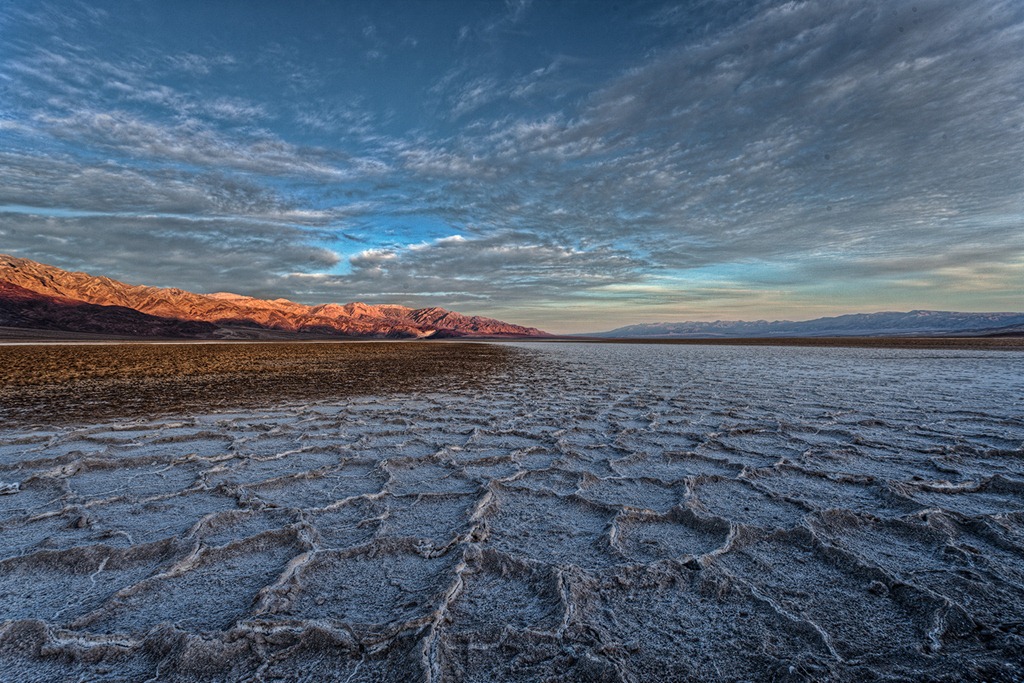
death_valley_sunrise_2012

We do photography workshops.  Come on out and join us.  Click here to check us out.

You can also check out our photography.  Click here.

Technorati Tags: ,,,,,,,
WordPress Tags: technical,aesthetic,Photograph,Vision,impact,photographer,skills,artist

(3290)
Lightroom Tutorial – When You Get Home

There’s a lot of talk about workflow. But it all begins with importing, organizing and selecting your photo files when you return from the workshop.

I recently returned from seven fantastic days of an exciting photography workshop in the Eastern Sierra (any day or night in the Eastern Sierra is fantastic).  I organized all of my photographs in Lightroom.  And I thought it would be a good idea to share the steps I go through in case you might find it useful.

eastern_sierra_120605__SM31668

Import

I try to keep up with importing the photographs from the day’s shoots into the copy of Lightroom running on my laptop.  I’m not going to go into the specifics of the import process but you can read about it here.

Lightroom Tutorial – Importing Photographs

I’ve set up Lightroom to apply certain adjustments to the files as they are imported.  For example, Lightroom applies adjustments in the following Developer areas – Basic, Tone Curve, Detail (capture sharpening), Lens Correction (lens make and model) and Camera Calibration (Process and Profile).  The details are spelled out in this post.

Lightroom Tutorial – Camera Specific Presets

eastern_sierra_120604__SM31524

Continue reading “Lightroom Tutorial – When You Get Home”

(2703)

Making a Photograph – The Four Pillars

Explore the four things that make a great landscape photograph – Fantastic Light, Strong Composition, Appropriate Sharpness and Optimum Exposure.

I’ve been giving a lot of thought recently to what goes in to making a great landscape photograph. It turns out there are four things, four pillars if you will.  Four, that’s a good number.  There are the four legs of a table or the four wheels of a car.  And not to forget the four sacred directions of the Native Americans.

In landscape photography the four pillars are evenly divided between the aesthetics and the technical.  So what are they?  The two aesthetic pillars are Fantastic Light and Strong Composition.  No surprise there.  The two technical pillars are Appropriate Sharpness and Optimum Exposure.  No surprise there either.  If just one of those pillars is missing, well, the table collapses, the image suffers.

Let’s look at them one by one….

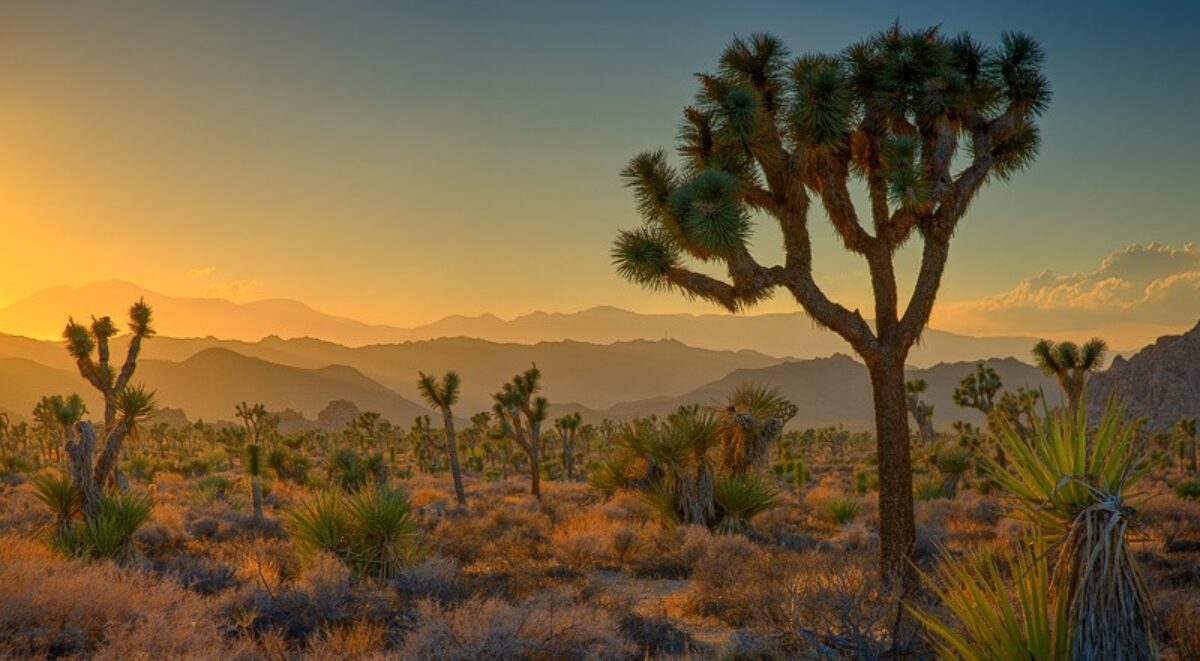
joshua_tree_spring_sunrise_2011
Joshua Tree Spring Sunrise (2011)
(click on the images to enlarge them)

Continue reading “Making a Photograph – The Four Pillars”

(7629)

Lightroom Tutorial – Importing Photographs

Get post processing started by importing your photographs into Lightroom.

An important part of post processing is importing your photographs into Lightroom.  The goal is to copy the files from your camera or laptop and store them on your desktop computer.  At the same time you also want to make a backup of all of your files.

You might be interested in the configuration of my desktop computer.  It has about 5 terabytes of storage.  This is where the image files will be stored.  I also have several terabytes of external storage – external hard drives.  This is where the backup copies go.

In this example I’ll be copying files directly from the camera.  The plan is to copy the files as they are to the backup storage.  But the files I store on the desktop storage will be converted to DNG format.  More on that in another post.

So with the big picture in mind, let’s get into the details.

Continue reading “Lightroom Tutorial – Importing Photographs”

(3464)

Lightroom Tutorial – Diamonds in the Haystack

So you’ve come back from a shoot with hundreds of not thousands of files. How do you find the diamonds in such a large haystack?

I got a comment on a recent post on workflow.  (Lightroom Tutorial – Workflow)

The question was if there was a way in Lightroom to sort through a large number of photographs to select the ones you want to work on.

Here’s the situation.  You’ve just returned from a five day workshop.  And you have a thousand or so photographs.  Now we know that not everyone of these images is a keeper.  Personally, I’m delighted if I get four or five keepers from a five day workshop.  Hey, given the vagaries of weather and light, I’m happy if I get one.

But the prospect of sifting through hundreds and even thousands of images can be a bit overwhelming.  So here’s what I do.

Continue reading “Lightroom Tutorial – Diamonds in the Haystack”

(2018)

Making a Photograph – Black and White Points

Add snap to your photographs by adding contrast. This step-by-step shows you how to set black and white points in Lightroom.

There are a lot of instructional books on how to use Lightroom, Photoshop, Photoshop Elements and the like.  They provide a comprehensive and in-depth review of the various adjustments and filters available in these powerful tools.  And as such they serve as excellent references.  I own many of these fine books.

Now, a lot of workflows are built around the concept of seeing what needs to be fixed next and fixing it.  I advocate a more structured approach; namely, fix the tonality first, then the hue and finally the saturation.  See my recent post on Workflow.  But I often hear the statement, “I look at my photograph and just don’t know what to do.”  Many people often don’t know where to begin.

So I want to take a different approach.  I want to look at an image and identify what it needs and then talk about the various techniques for achieving it.  In other words, I want to start with the question, “What makes a compelling photograph?” and go from there.  It doesn’t help to know all of the tools and tricks available in Lightroom and Photoshop if you don’t know when to use them.

We’ll start with this image.  It is photographed in the Mesquite Flats Dunes of Death Valley.  The dunes provide an inspiring variety of compositions and ligh.  (You can click on this and all other images in this post to enlarge it.)

BP WP Dunes-1

Let’s start by examining the images tonality and see what improvements can be made.


Continue reading “Making a Photograph – Black and White Points”

(12639)

Lightroom Tutorial – Workflow

An overview of a very effective Lightroom workflow.

There are about as many definitions of “fine art photography” as there are people who call themselves “fine art photographers.”  For many of us, fine art photography is an expression of our view of the world.  Much of what we see in the world is captured in the images we capture in the field.  But that’s not the whole story.  Why?  Because the true expressive quality of our photographs comes to life in the post processing – the digital darkroom if you will.

Continue reading “Lightroom Tutorial – Workflow”

(2836)

Exciting Nighttime Photography – Exposure

Nighttime photography – photographing the moon

There are many techniques involved in nighttime photography.  Star trail photographs are a traditional approach dating back to the film days.  If you think about it, that makes sense.  With the ISOs commercially available to most of us photographers, shooting the nighttime sky was not an option.  We simply didn’t have fast enough film.

With the advent of digital photography we can now push ISOs into the thousands and the noise levels are constantly improving.  And we can modify our cameras’ sensors to sensitize them to infrared light, something that the serious and most accomplished nighttime photographers do.  This provides us the opportunity to photograph both star trails and the night sky.

In previous articles I’ve discussed techniques for both types of nighttime photography.  In the most recent one I describe a technique that can provide both star trails and night sky photographs from a single session.  Here’s the link.

Exciting Nighttime Photography in 10 Easy Steps

One aspect I haven’t covered in detail yet is exposure.

Earlier this week there was a beautiful conjunction of the crescent moon and Venus in the early evening sky.  So I grabbed my camera, got permission from my neighbor and used their front yard to photograph the moon and Venus over the Los Angeles basin here in Southern California.

Continue reading “Exciting Nighttime Photography – Exposure”

(3152)

Taking Your Photography to the Next Level – Fine Art

What is involved in becoming a fine art photographer.

In the previous post in this series I presented the idea that calendar art is a worthy first goal for serious photographers.  (Read Taking Your Photography to the Next Level.)  And aside from the fact that the subject matter of calendar art may be fairly run of the mill, the technical and aesthetic qualities are generally excellent.

In that post I ended with this thought:

Calendar art is about the subject of the photograph.  The photographer is transparent.  In fine art photography the influence of the artist becomes more apparent.


Continue reading “Taking Your Photography to the Next Level – Fine Art”

(1743)

Be Prepared

Don’t be caught without that one piece of camera gear you need to get the shot.

Often times when out shooting with other photographers I hear them say, “I wish I had brought my grad ND filter.”  Or maybe they didn’t have the lens they needed.  “Where is it?” I ask.  “It’s back in my hotel room,” is their response.  “Why didn’t you bring it with you?”  “I didn’t think I would need it,” or “It’s too heavy.”

Truth to tell, I don’t understand the rationale of selecting the gear you think you might need when going out on a shoot.  Why not take it all?  I suppose if you have 20 lenses (I exaggerate) you can’t take them all with you.  But a normal complement of gear that gives you the flexibility you need isn’t that hard to pack and carry.

Continue reading “Be Prepared”

(1080)